One0.
ClearSayIt app icon

Mobile app · iOS and Android

ClearSayIt.

Let your screen speak clearly.

ClearSayIt is a free silent communication app that turns your phone or tablet into a large fullscreen text display. Type a message, tap Show, and make it easy to read from nearby or across the room.


Download on the App Store
Get it on Google Play

100% free to download. No adverts. No account required.
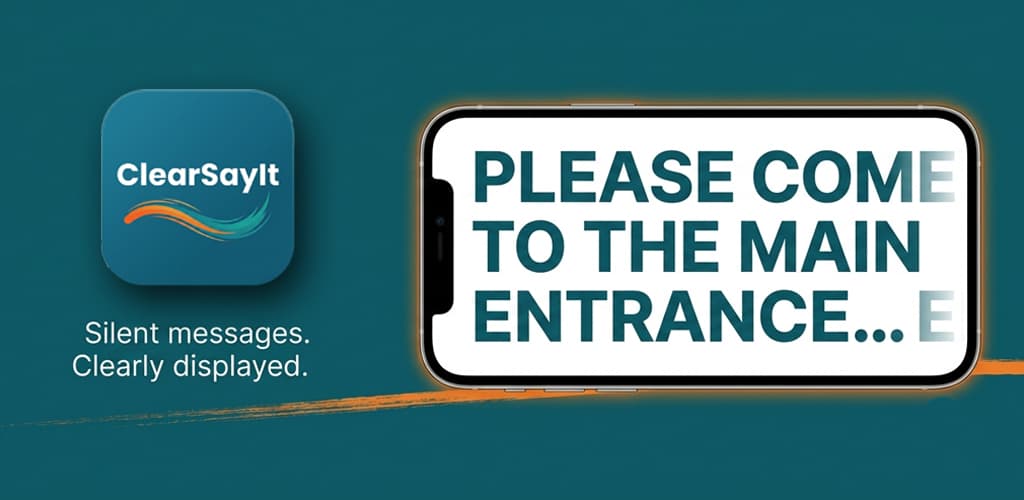
ClearSayIt showing a large fullscreen message on a phone

See It in Action

Compose a message, choose how it should appear, and show it fullscreen in seconds.
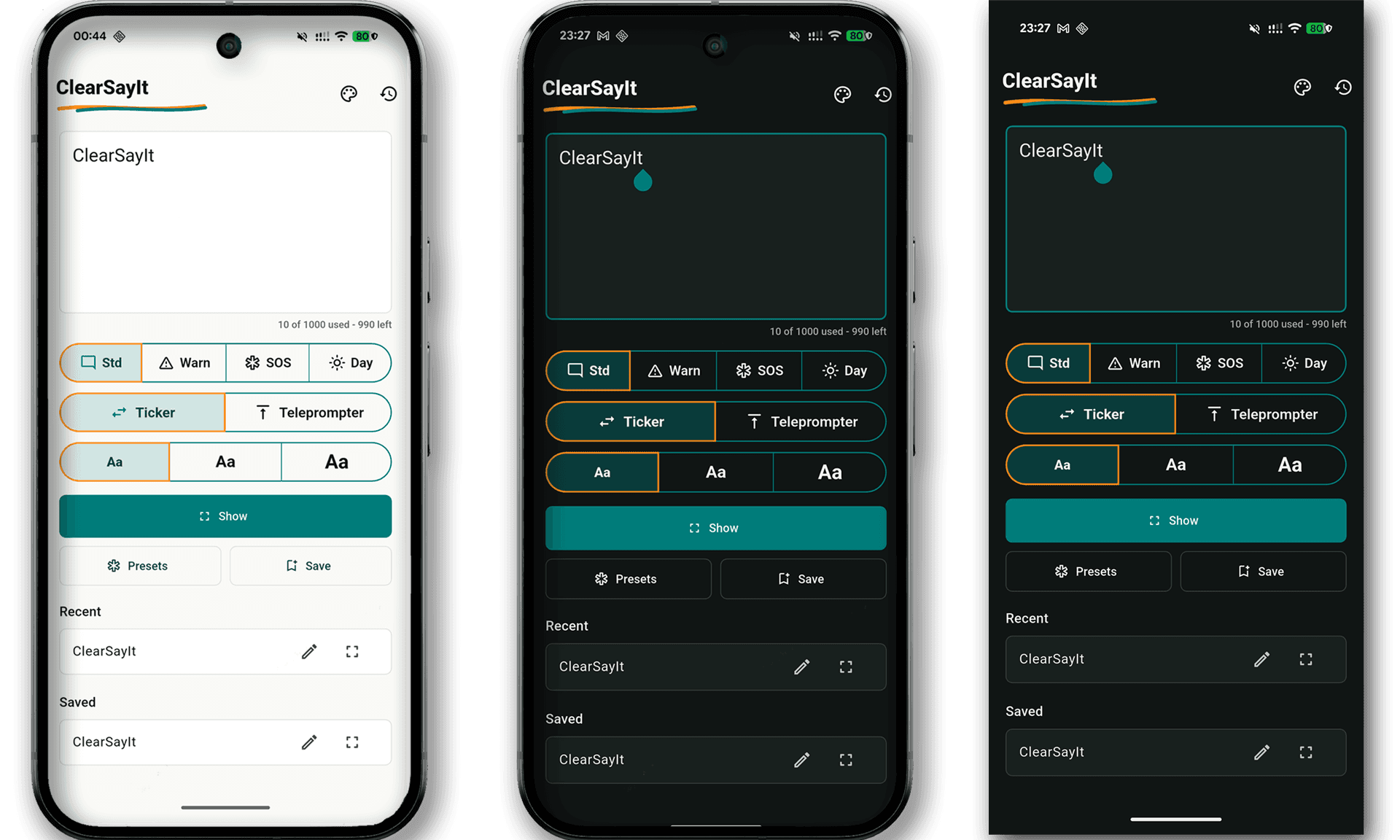
ClearSayIt compose screen with a typed message ready to show.

Compose your message

Type a short instruction, saved phrase, or longer note in the clean compose view.
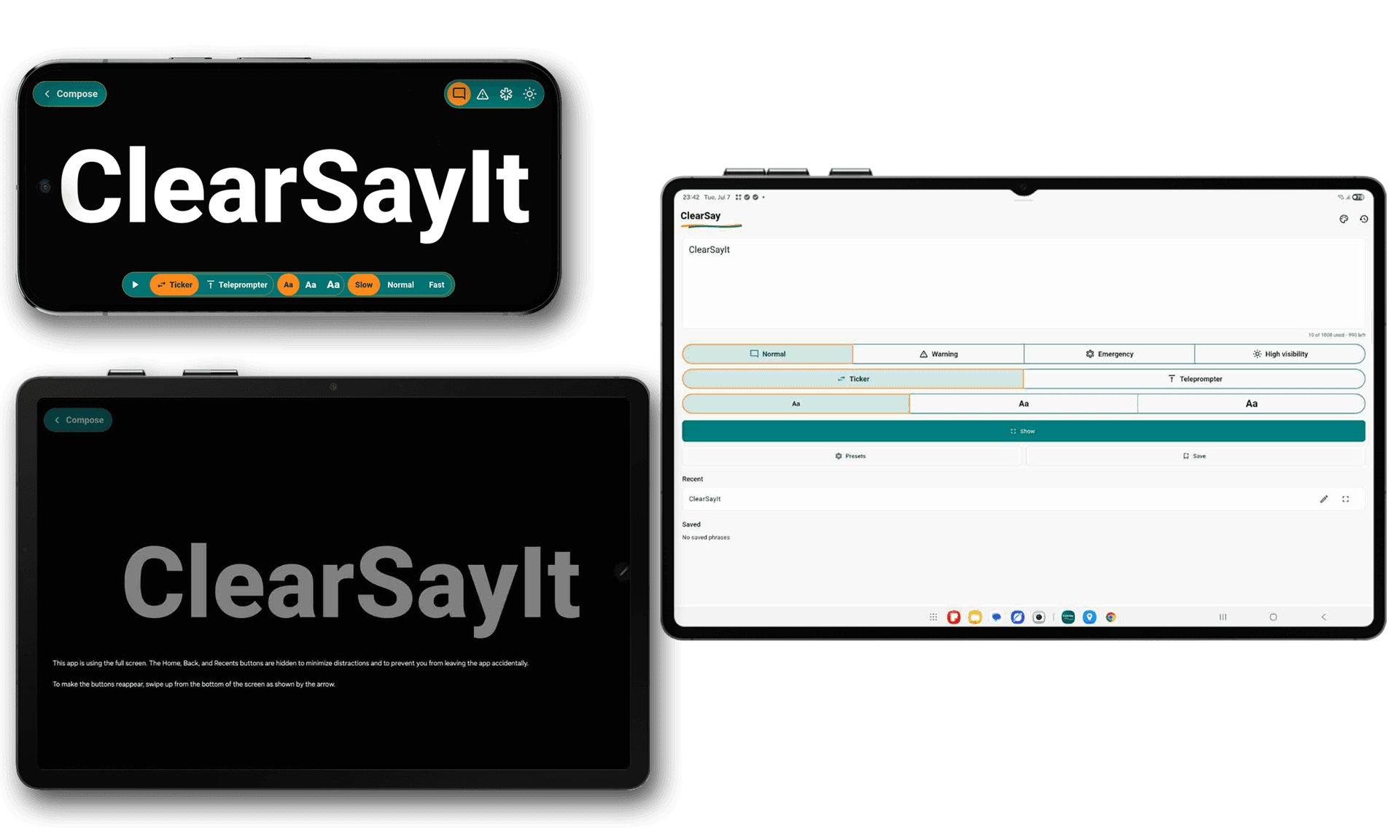
ClearSayIt fullscreen text display showing a large message.

Show it fullscreen

Display your message in large, high-contrast text that is easy to read.
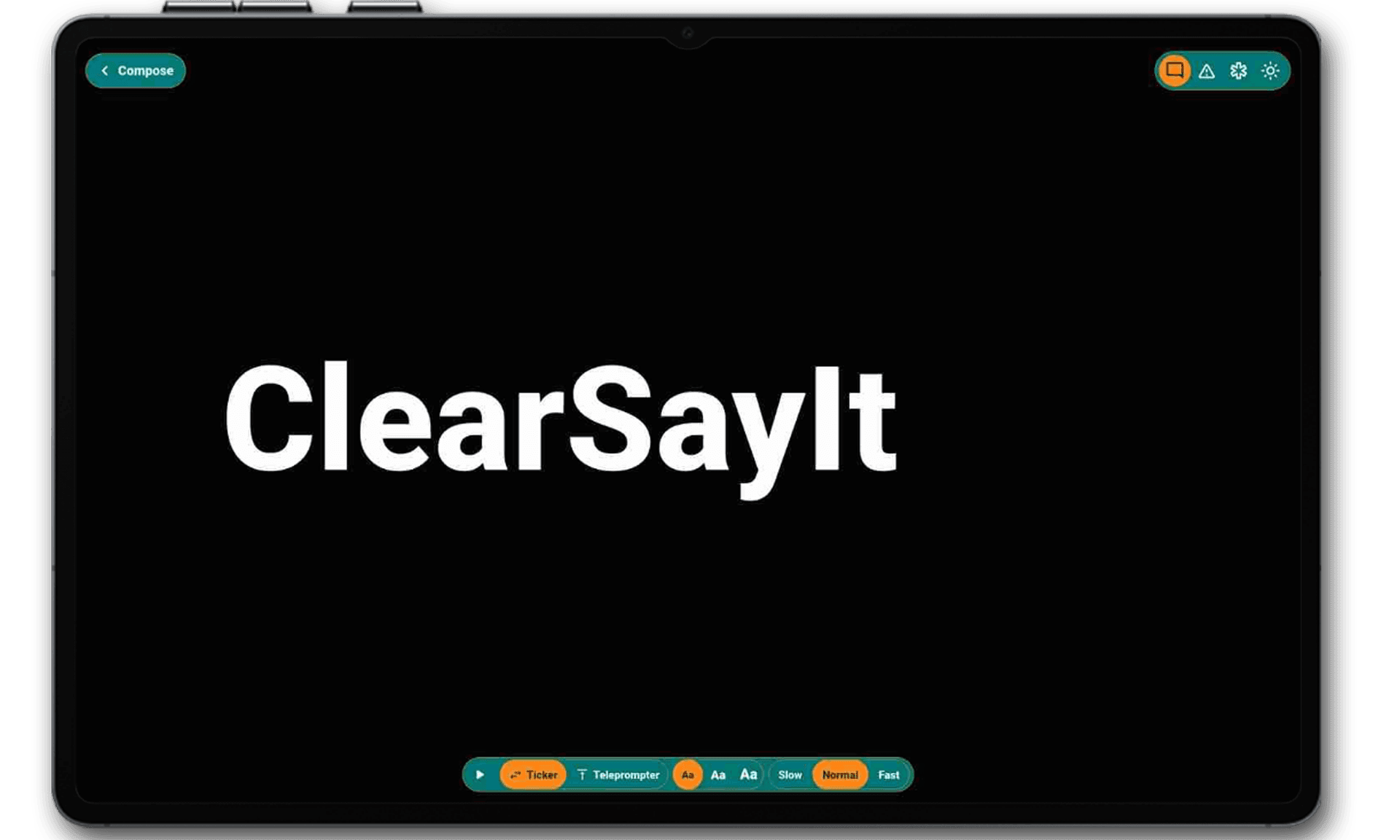
ClearSayIt display controls with ticker, teleprompter, text size and speed options.

Choose the motion

Use ticker mode for scrolling text or teleprompter mode for longer messages.

Key Features

Everything is designed to help you show a clear message quickly, privately, and without extra setup.

Large fullscreen messages

Turn your phone or tablet into a readable message board. ClearSayIt is useful when speaking is difficult, noisy, inconvenient, or not appropriate.

Ticker and teleprompter modes

Show short messages as smooth ticker text or use teleprompter mode for longer text that needs more reading space.

Free with no adverts

ClearSayIt is 100% free to download and use. There are no advertisements, no paid upgrades, and no distracting banners.

No account required

Download, open, and start using the app. You do not need to sign in, create a profile, or share personal details.

Private by design

Messages stay on your device. ClearSayIt does not connect to a cloud service or send your messages to ONEXERO LTD.

No unnecessary permissions

The app does not need camera, microphone, location, contacts, or audio permissions. It only needs the screen you already have.

100% freeNo advertsNo loginOffline firstNo cloud syncNo camera or microphone access

How It Works

A simple flow for moments when a visible message is better than spoken words.

01

Type your message

Enter the words you want to show. You can also reuse recent messages or save common phrases for later.

02

Choose the display

Pick a message style, text size, speed, and transition. Use ticker mode for short scrolling text or teleprompter mode for longer messages.

03

Show it fullscreen

Tap Show and ClearSayIt displays the message in large text. Your screen becomes the message.

When ClearSayIt Helps

ClearSayIt is useful anywhere a clear visual message works better than speaking.

Travel and transport
Noisy public places
Meetings and reception areas
Events, queues and check-in desks
Classrooms and training rooms
Accessibility support
Quick instructions from a distance
Moments when silence matters

Moments when it makes a difference

People reach for ClearSayIt in situations where speaking is not possible, practical, or polite. Here are a few.

In a courtroom

I was in the public gallery during a family hearing and needed to pass a message to my father sitting a few rows ahead. Speaking was not an option. I typed it into ClearSayIt and held up my phone. He read the large text immediately from across the room, without me making a sound.

During a wedding ceremony

The best man forgot which order things were happening in. I typed a quick reminder into ClearSayIt and showed the screen from three rows back. The big text was perfectly clear from that distance and no one around us noticed a thing.

After surgery in hospital

My mother had throat surgery and could not speak for nearly two weeks. We kept a tablet with ClearSayIt open beside her bed. She typed what she needed and showed the screen, and the large text meant the whole family could read it without crowding round.

At a music festival

We could not hear a word anyone was saying over the crowd noise. Instead of shouting and repeating ourselves, we just started typing into ClearSayIt and showing the screen to each other. The text was large enough to read even with people moving around us.

Travelling abroad without a shared language

In Tokyo I had no way to communicate with taxi drivers or shopkeepers in English. I typed my destination or question into ClearSayIt in large text and showed the screen. They could read it at a normal distance without me having to hand over my phone.

Supporting a hard-of-hearing colleague

In team meetings a colleague who is hard of hearing can miss what is being said. Someone types the key points into ClearSayIt on a shared tablet and holds it up at a size she can read from her seat. It is a simple thing that makes a real difference.

Built for Privacy

ClearSayIt does not require an account and does not send your messages to ONEXERO LTD. Recent messages, saved phrases and display preferences are stored locally on your device. The app does not use adverts, analytics tracking, camera access, microphone access, location access, contact access, or cloud synchronisation.

Read the ClearSayIt Privacy Policy

Frequently asked questions

Common questions from people considering ClearSayIt.

Is there a free app for displaying big text on a phone?

Yes. ClearSayIt is completely free to download on iOS and Android. It displays your message in large fullscreen text with no adverts, no subscriptions, and no account needed. You type the message, tap Show, and the screen becomes a readable display.

Which app is best for showing large text to someone nearby?

ClearSayIt is built specifically for this. It shows your text as large, high-contrast fullscreen characters that are easy to read from across a room. You can also use ticker mode for short scrolling text or teleprompter mode for longer messages.

Can I use my phone as a silent communication tool?

Yes. ClearSayIt turns your phone or tablet into a silent communication device. You type what you want to say and the person nearby reads it off the screen. There is no sound, no network connection needed, and nothing is stored in the cloud.

What is the best app for communicating without speaking in quiet places?

ClearSayIt is used in libraries, hospitals, courtrooms, churches, and other settings where speaking is not practical. The large text is readable from several metres away without the other person needing to lean in or pick up a device.

Does ClearSayIt work without an internet connection?

Yes. ClearSayIt is fully offline. It does not connect to the internet, does not use cloud storage, and does not send your messages anywhere. Everything stays on your device.

How is ClearSayIt different from typing a text message?

ClearSayIt is not a messaging app. It is designed to show a message to someone standing in front of you rather than sending it over a network. The text fills the whole screen in a large format so the person nearby can read it immediately without picking up their own phone.

Is ClearSayIt suitable for people who are deaf or hard of hearing?

Yes. ClearSayIt is a practical aid for deaf and hard-of-hearing individuals who need to communicate visually in everyday situations. The large display is readable from across a room and works well in classrooms, waiting rooms, and social settings.

Ready when words need to be seen.

Download ClearSayIt for free and show clear fullscreen messages whenever speaking is not the best option.


Download on the App Store
Get it on Google Play

Privacy Policy · Contact Support

One0.20 Wenlock Road, London N1 7GU  · [email protected]
© 2026 ONEXERO LTDClearSayIt Privacy Policy